Why bespoke illustrations are replacing stock imagery in digital learning

We’ve all heard the saying, “A picture is worth a thousand words.” In today’s digital age, this couldn’t be more relevant.

According to Neilson, 70% of social media prefer to engage with visuals rather than text-heavy content.

However, the nature of these visuals is changing. More brands are moving away from generic stock imagery and embracing bespoke illustrations to enhance their visual identity and create stronger, more authentic connections with their audience.

The decline of stock imagery

Stock images have long been the go-to solution for brands and designers needing quick, high-quality visuals. They can work fantastically, but do come with some significant drawbacks.

While stock images offer convenience and cost savings, they often lack uniqueness. Many stock images appear on multiple websites, making them feel generic and uninspired. This can dilute a brand’s individuality and impact.

Stock images rarely align perfectly with a brand’s unique messaging and can often fail to capture a brand’s specific essence. This makes it difficult to create a consistent and authentic visual identity.
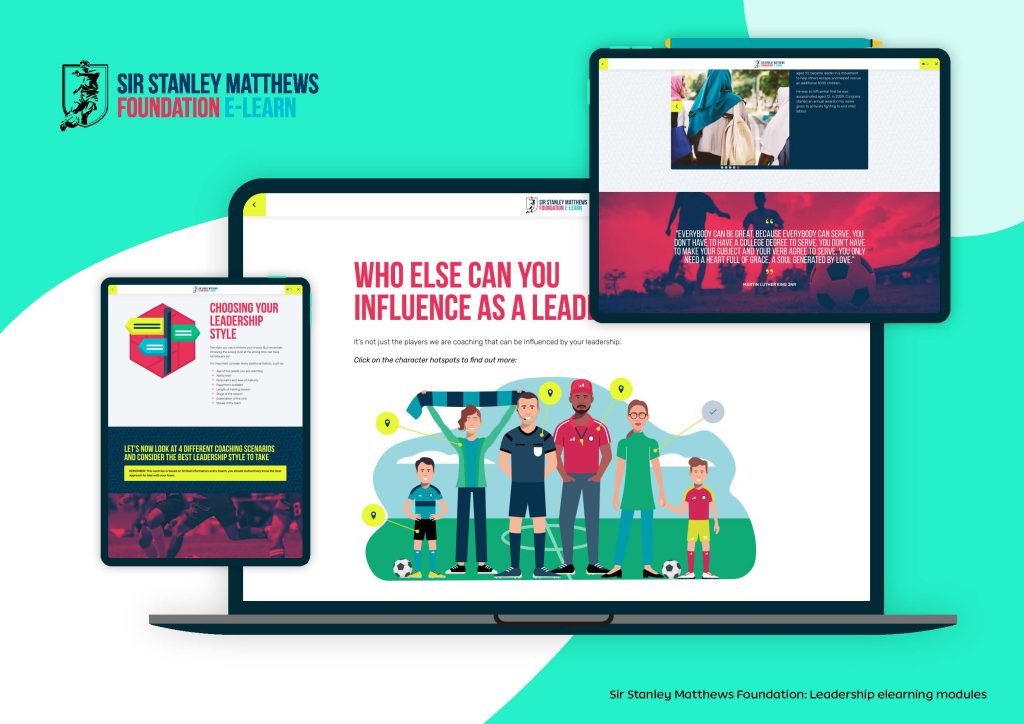
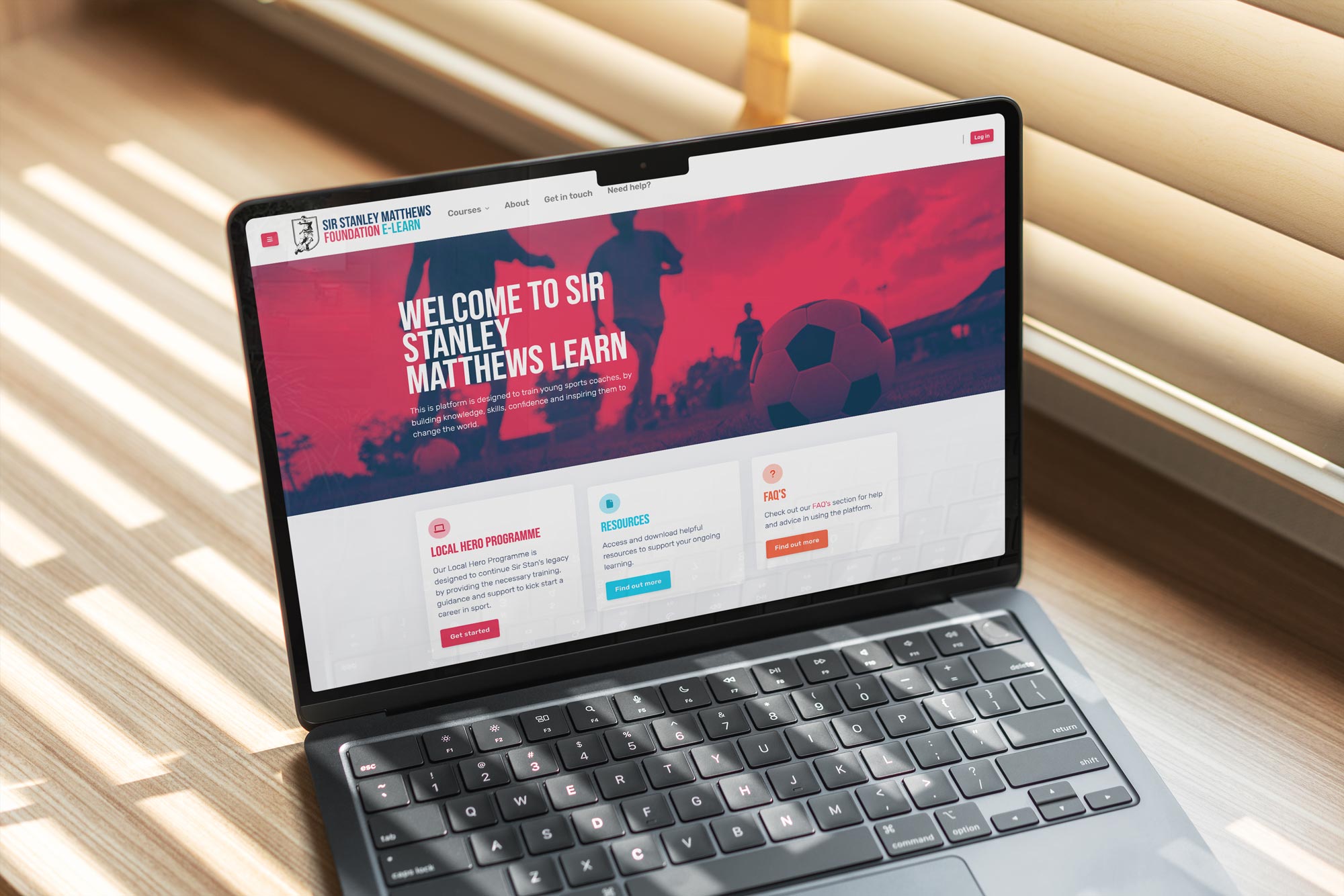
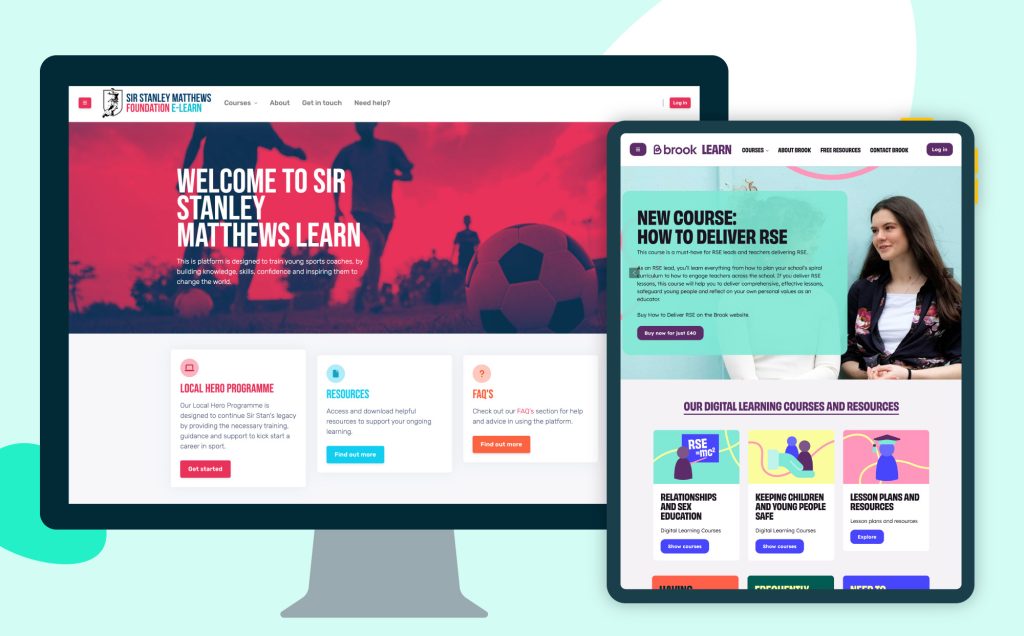
Sir Stanley Matthews Foundation elearning

The rise of bespoke illustrations

Custom illustrations offer a fresh alternative, providing a host of advantages that help brands stand out in a crowded digital space:

Boost brand identity

Bespoke illustrations are becoming a cornerstone for brands aiming to stand out, reflecting their unique identity and values.

Custom illustrations align perfectly with a brand’s aesthetic, reinforcing its identity and making it more memorable.

For e-learning platforms and online courses, bespoke illustrations help maintain a cohesive and professional look, strengthening brand identity and making courses more recognizable.

Personalising learning experiences

Unlike stock images, illustrations offer limitless creative possibilities, enabling brands to tell their story in a unique and engaging way.

Unlike stock images, custom illustrations can be tailored to match different learning styles and demographics, making educational content more relatable and inclusive. This fosters a deeper connection between the learner and the material.

Simplifying complex information

Bespoke illustrations can break down difficult topics into digestible, easy-to-understand visuals, improving comprehension.

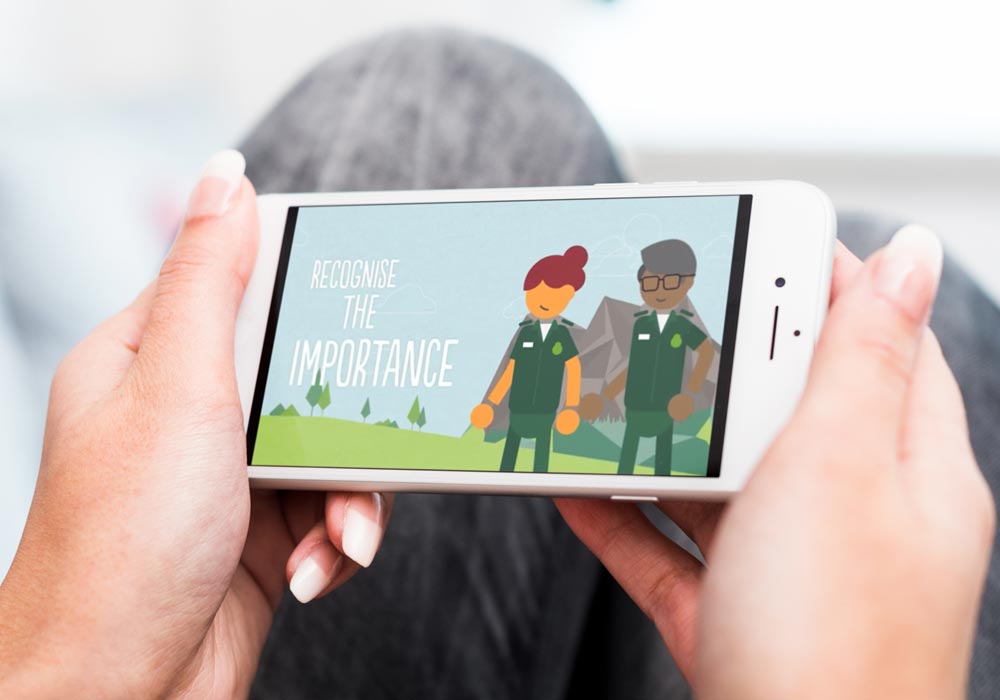
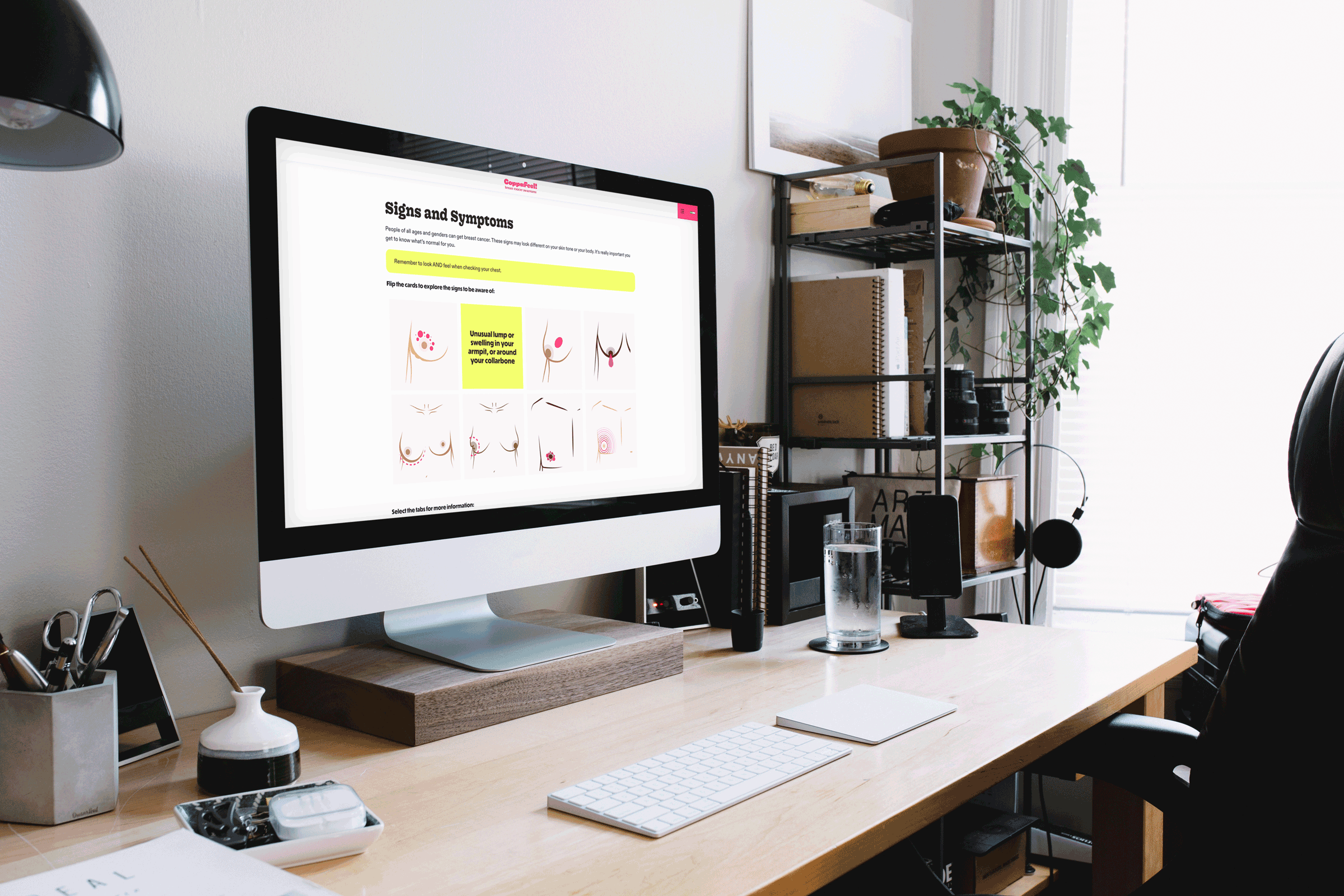
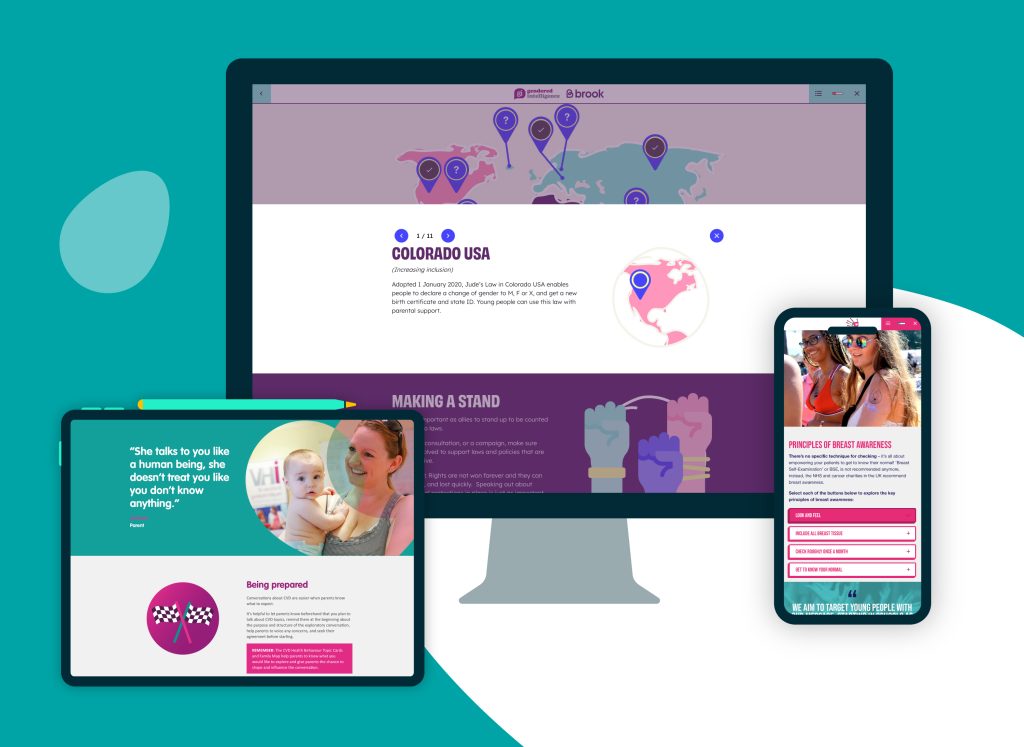
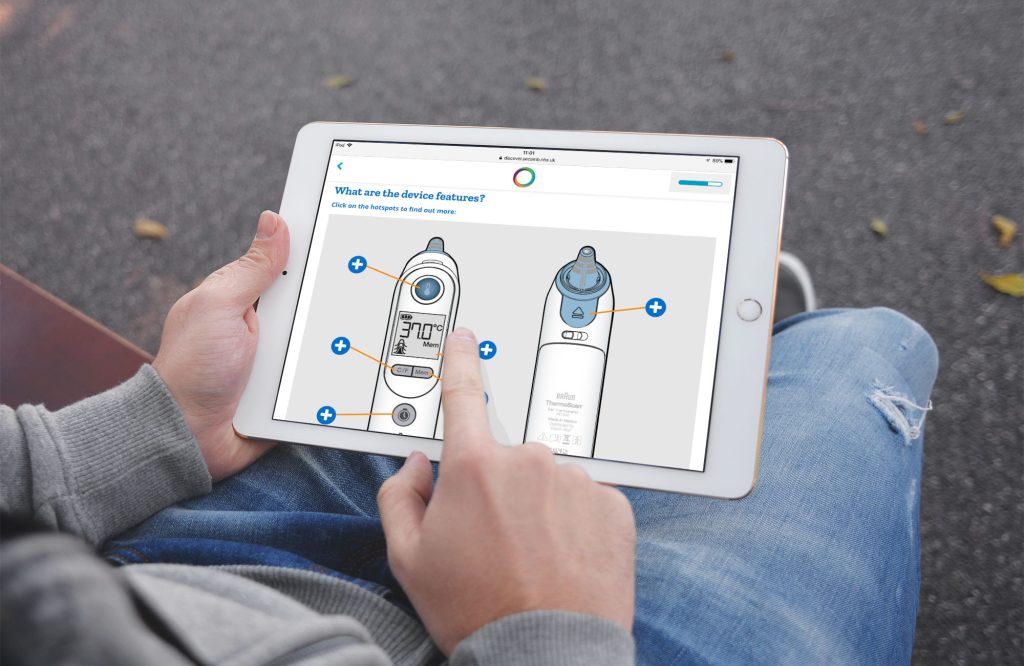
Bespoke digital illustrations for iHV being created

Enhancing interactivity

Illustrations can be incorporated into interactive infographics, gamified elements, and digital storytelling to make learning more dynamic and immersive. Animated illustrations can also be used in explainer videos to enhance understanding.

Improved user experience

Illustrations integrated within digital learning can guide users through content seamlessly, improve navigation, and increase engagement.

Custom illustrations make learning materials visually appealing and interactive, capturing learners’ attention and helping them retain information more effectively. Visuals simplify complex concepts and make abstract ideas more tangible.

Visually appealing content reduces cognitive overload and makes learning more enjoyable. Students are more likely to stay engaged when presented with creative and thoughtfully designed illustrations.

A shift towards inclusivity and diversity

One of the most significant recent visual trends is the emphasis on inclusivity and diversity. Brands are no longer relying on one-size-fits-all imagery; instead, they are commissioning illustrations that authentically represent a diverse range of ethnicities, body types, genders, and lifestyles.

Custom visuals can depict diverse characters, scenarios, and learning environments, ensuring inclusivity and representation in digital learning materials. This is especially important for global audiences.

This shift is not just a moral imperative — it’s also good business. In the UK, 64% of consumers expect companies to take a stand on social issues, including representation and inclusivity.
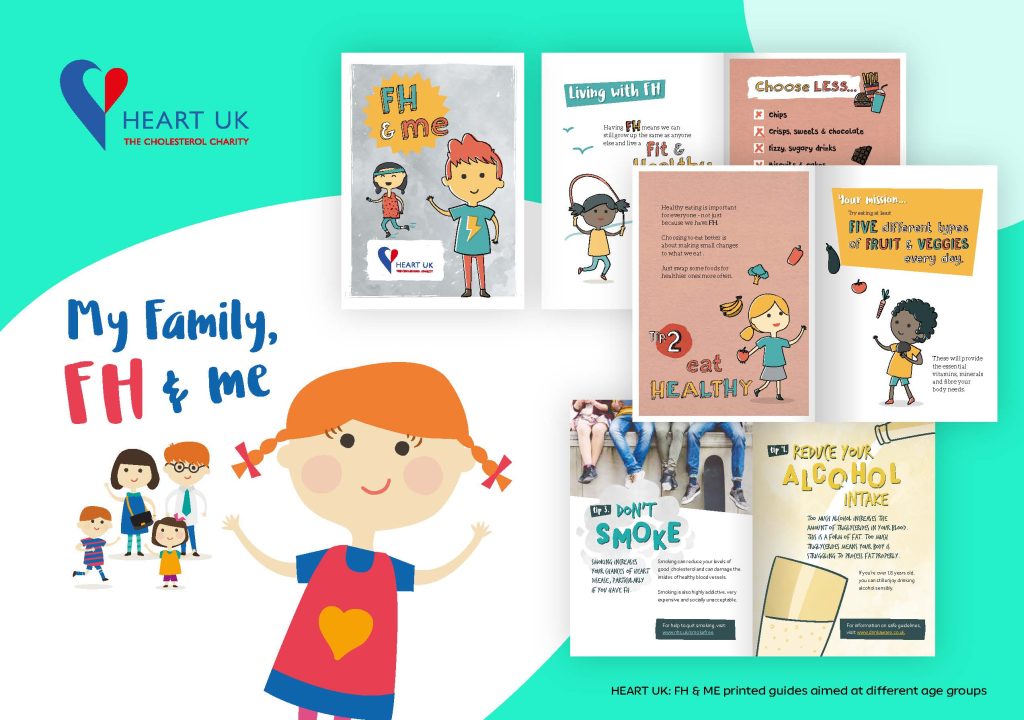
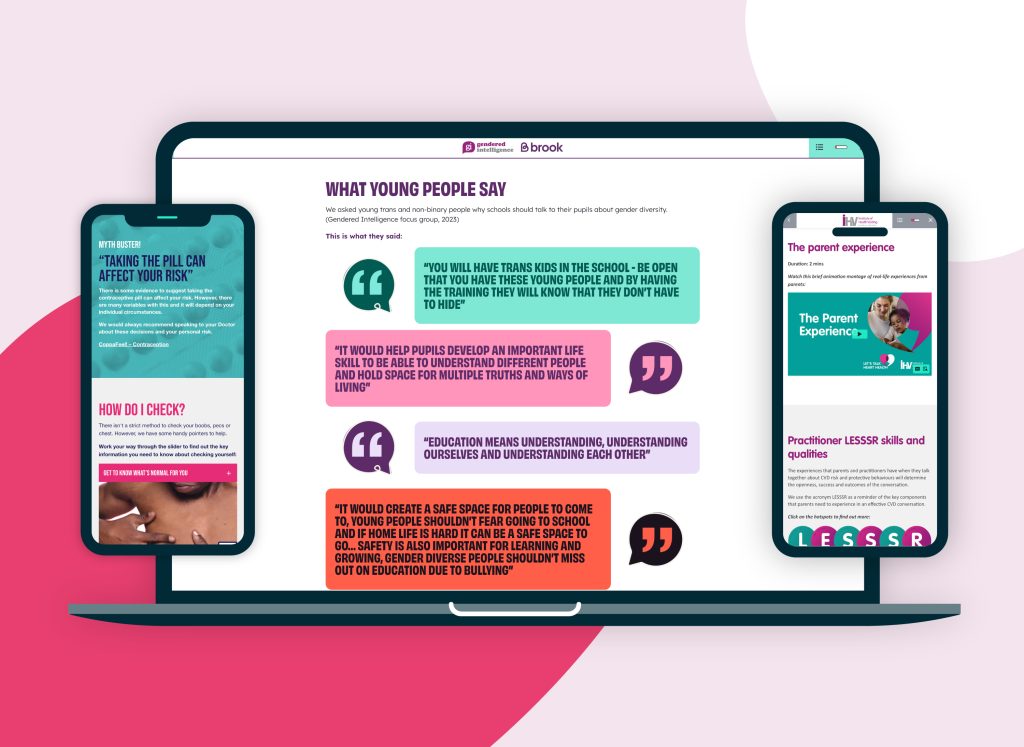
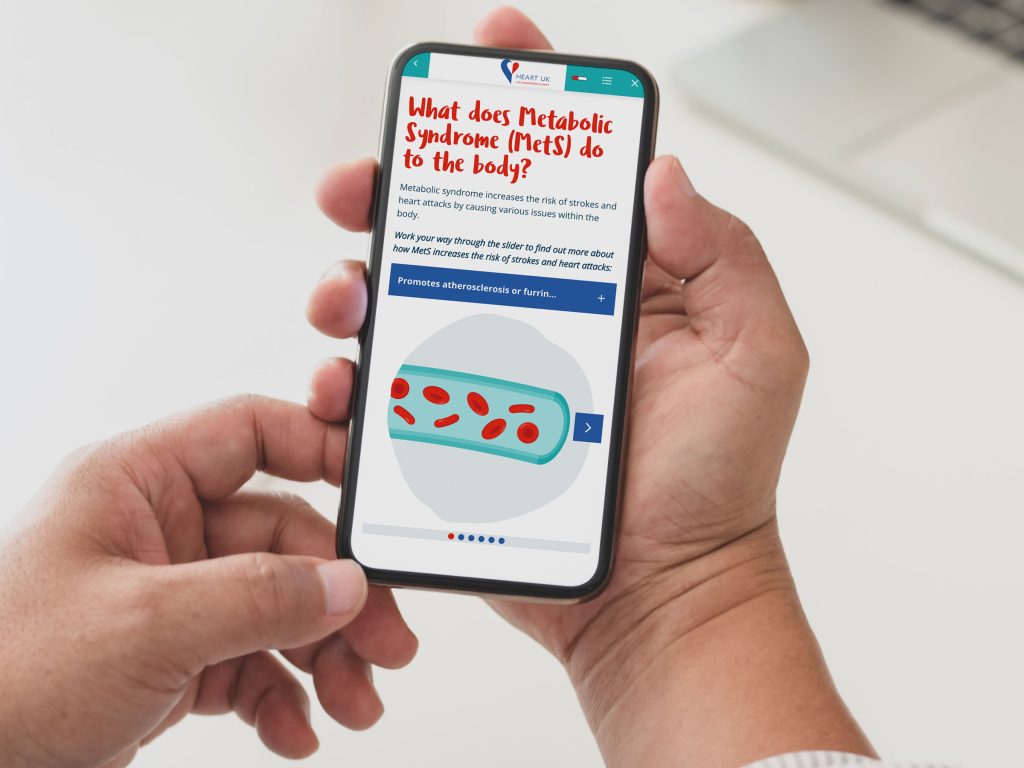
HEART UK bespoke booklet illustration designs

The future of visual storytelling

In a world where digital users crave authenticity, brands must move beyond stock imagery and embrace the limitless possibilities of bespoke illustrations.

Whether it’s through whimsical graphics, bold artistic statements, or hand-drawn elements that reflect real-world diversity, bespoke illustrations allow brands to forge deeper, more meaningful connections with their audience.

The future of digital learning design lies in crafting engaging, visually compelling stories – and custom illustrations are the key to unlocking that potential.


If you’re looking for bespoke illustrations to bring your next digital learning project or marketing campaign to life, get in touch with Eggu to chat through your needs.

Is your small business facing burnout?

Burnout among small business owners in the UK has become a pressing concern, with various studies highlighting its rise and impact.

A survey by FreeAgent in May 2023 revealed that 37% of small business owners admitted to experiencing burnout due to increasing demands.

Let’s face it – freelancing or operating a small business in the current UK economic climate has it’s pressures and challenges. But taking healthy steps to maintain resilience is essential for business progression.

So, what contributes to small business burnout?

Extended working hours

Research from Simply Business indicates that one in three (33%) small business owners have faced burnout, working an average of over 46 hours per week. That’s 10 hours more than the UK average, which can ultimately lead to physical and mental exhaustion.

Insufficient leave

Three-quarters (73%) of small business owners take fewer than 20 days off annually. That’s below the UK statutory entitlement of 28 days.

Work-life imbalance

An American Express survey reported that 88% of small business leaders experience work regularly interrupting their personal lives, with over a quarter (27%) facing such interruptions daily.

Impact on mental health

The Mental Health UK survey highlighted that 80% of small business owners experience symptoms of poor mental health, including stress, anxiety, and depression, at least a few times a year.

Girl working from bed at home on laptop

So, what steps can we take to mitigate burnout?

Delegation

Assigning tasks to employees or outsourcing to fellow freelancers can reduce the workload and allow business owners to focus on critical areas. Collaborating and partnering with similar sized businesses can also bring a range of benefits to lighten the load and boost your offering.

Setting boundaries

Establishing clear work hours and ensuring time for personal activities can help maintain a healthier work-life balance. It’s tough when the responsibility is on your shoulders, but productivity will undoubtedly improve by restoring balance in your life.

Regular breaks

Taking regular breaks and ensuring adequate annual leave are essential for mental and physical rejuvenation. If booking a two week holiday might be detrimental to your business, make sure you schedule more long weekends to amp up the down-time.

Seeking support

Engaging with professional networks, mentors, or mental health professionals can provide guidance and emotional support. Talking openly with businesses close to you can also give you great insight to how they might tackle similar challenges.

Man working on laptop from bed at night

Summing up

Addressing burnout is crucial not only for the well-being of small business owners but also for the sustainability and growth of their businesses.

Implementing proactive measures can help mitigate the risks associated with burnout and promote a healthier work environment.

Now, to slightly lighten the mood… check out Dom Joly (AKA creator of Trigger Happy TV) fronting Air Landline’s advert to hilariously play out the tricky challenges of work-life balance.

The power of storytelling in elearning

Storytelling has always been a fundamental part of human communication, helping to engage, inspire, and educate.

In elearning, incorporating storytelling techniques can make learning experiences more immersive and impactful.

But why does storytelling work so well in digital learning?

Increases engagement

Stories captivate learners by creating an emotional connection with the content, making them more likely to stay focused and motivated.

Well-developed characters and relatable situations allow learners to connect emotionally, making training more impactful and fostering a deeper understanding.

Provides context and meaning

Real-world scenarios and characters help learners understand abstract concepts in a relatable way.

By embedding concepts into real-life situations, storytelling helps learners understand how the knowledge applies to their own experiences, making learning more meaningful.

Improves retention

People remember stories better than isolated facts. A well-crafted narrative helps learners retain information more effectively.

Simplifies complex ideas

Storytelling can break down difficult or technical subjects into digestible, relatable narratives, making it easier for learners to grasp challenging concepts.

Encourages critical thinking

Scenario-based storytelling presents challenges or problems that learners must navigate, reinforcing practical application and fostering analytical thinking and decision-making skills.

Find out how to enhance the impact of your digital learning with bespoke storytelling?

How can digital learning boost your marketing strategy?

Digital learning isn’t just for education — it’s a powerful tool that can transform marketing strategies by improving customer engagement, brand presence, and internal team efficiency.

Here’s how incorporating digital learning can elevate your marketing efforts:

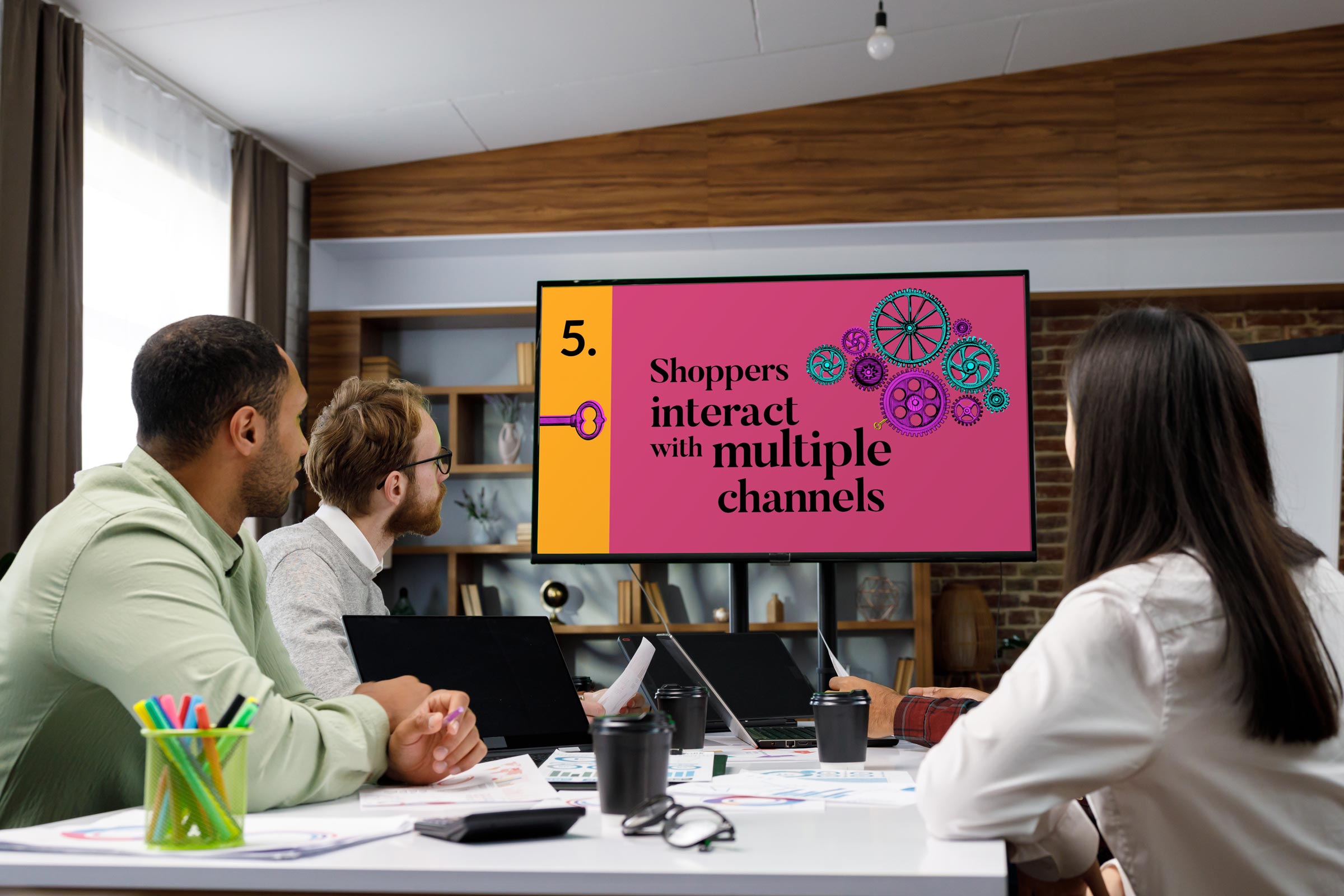
EDITED video training being used within a clothing store setting

Educating customers to drive engagement

Consumers are more likely to trust brands that provide valuable knowledge. Creating digital learning content, such as online courses, webinars, or interactive tutorials, helps educate your audience about your products or industry, positioning your brand as an undeniable field expert.

Enhancing customer retention with interactive content

Digital learning methods like quizzes, gamification, and interactive videos make marketing content more engaging. This keeps users invested in your brand, leading to better customer retention.

Upskilling marketing teams

Digital learning isn’t just for customers — it helps marketing teams stay ahead of trends by boosting their skills and performance too.

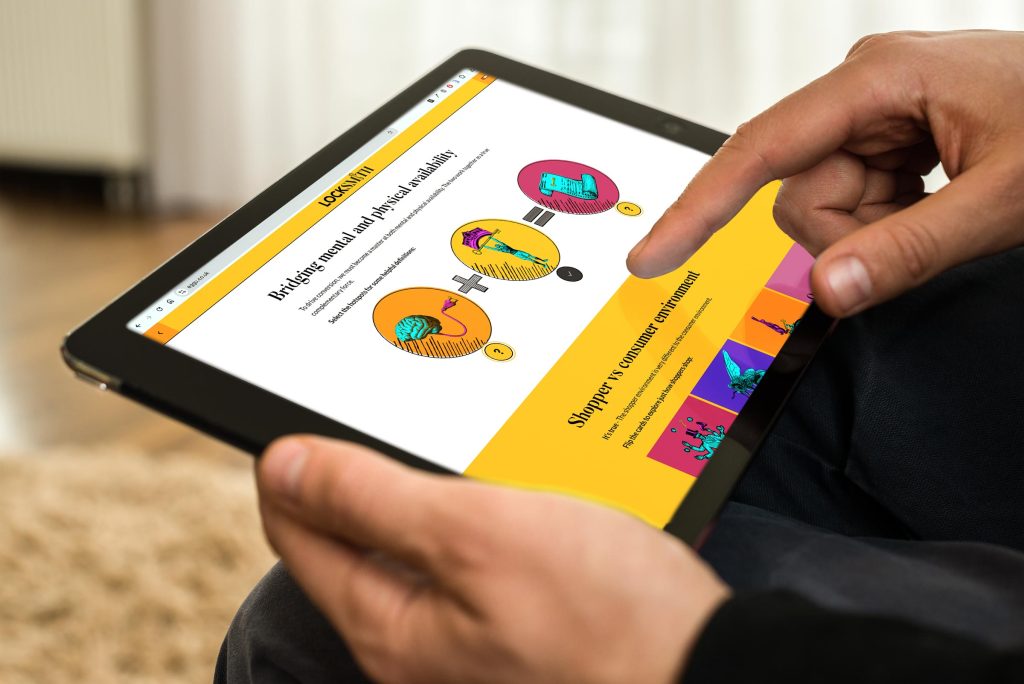
Locksmith bespoke elearning

Expanding audience reach

Creating valuable digital learning content can attract a wider audience beyond your existing customer base. It’s likely that people searching for educational content may discover your brand organically, increasing exposure.

Improving lead generation

Gated learning content, such as free courses or e-books, can be used as lead magnets. Offering exclusive educational materials in exchange for sign-ups helps generate quality leads.

Increasing product adoption

For businesses selling tech products or software, digital learning tools like onboarding videos and interactive tutorials or demos help customers understand and use the product effectively.

Strengthening community engagement

Building an online learning community around your brand fosters long-term engagement. Discussion forums, live Q&A sessions, and collaborative courses create stronger brand connections.

EDITED customer marketing training

Summing up

Digital learning is more than just an educational tool. As we’ve seen from our recent project with marketing pros LockSmith, it’s a strategic asset for modern marketing.

Whether through customer education, internal training, or lead generation, integrating digital learning into your marketing strategy can enhance engagement, trust, and brand loyalty.

Are you looking to inject digital learning into your marketing strategy? Why not get in touch with Eggu to see how it can be done?

Celebrating the power of partnerships in small business

Small and medium-sized enterprises (SMEs) remain the backbone of the UK’s economy, accounting for 99.9% of the business population at the start of 2024.

While traditional, formal partnerships have seen a decline, collaborative efforts among small businesses are on the rise.

These modern partnerships often involve resource sharing, co-marketing initiatives, and joint ventures, enabling SMEs to expand their reach and enhance operational efficiency. This trend reflects a strategic shift towards cooperation, allowing small businesses to remain competitive in a dynamic market.

Partnerships offer a powerful way to drive growth, increase brand visibility, and enhance operational efficiency.

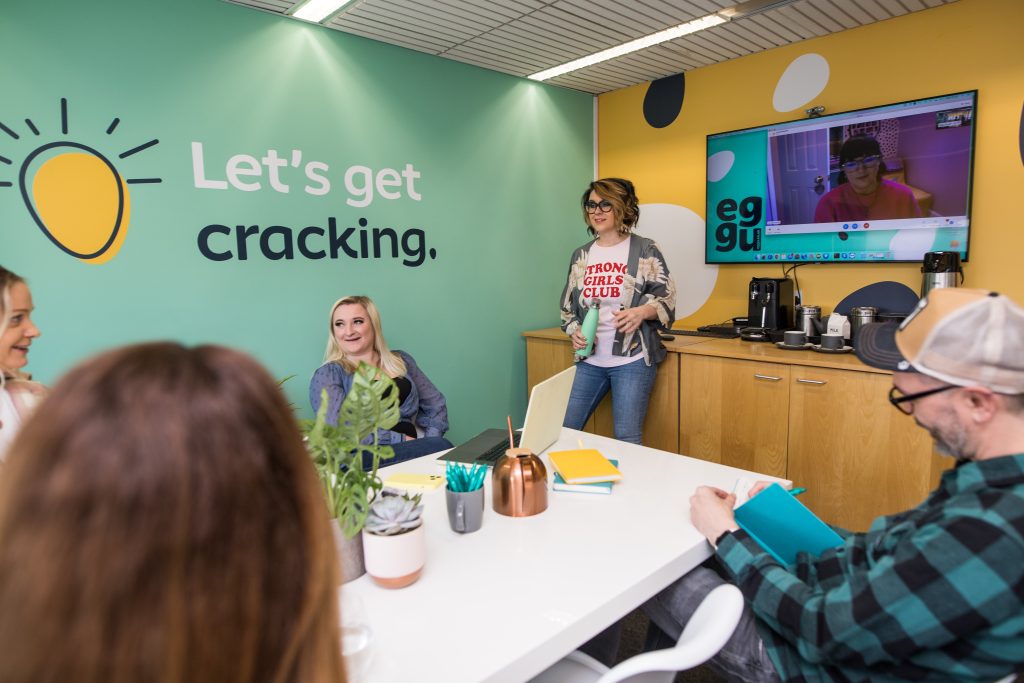
Eggu team meeting

Just like Eggu, here’s why more small businesses are embracing collaborations:

1. Expanding reach and audience growth

Partnering with another business allows both parties to tap into each other’s customer base, increasing brand awareness without the high costs of traditional marketing. This cross-promotion strategy helps small businesses grow faster.

2. Sharing resources and reducing costs

Small businesses often face budget constraints. By collaborating, they can pool resources, share technology, and split marketing expenses, making operations more cost-effective.

3. Enhancing credibility and trust

Collaborations can boost credibility, positioning both businesses as industry leaders and fostering customer confidence.

4. Diversifying offerings

By partnering with a complementary business, small companies can expand their product or service offerings without having to develop them from scratch. In crowded markets, this helps small businesses gain a competitive advantage and stand out.

5. Boosting innovation

Working with another business brings fresh ideas and perspectives, sparking innovation and creative problem-solving.

Celebrating a new partnership

Summing up

As small businesses look for smarter ways to grow, partnerships provide a strategic, low-risk way to thrive in today’s competitive landscape.

Eggu are always on the hunt for exciting agencies to partner with on to deliver our clients a blended solution to meet the specific needs or any project requirement.

Looking to collaborate with a digital expert to snag that next contract? Why not get in touch with Eggu to discuss your partnership ideas?

Quality over quantity: The role of bitesized learning

The pace and complexity of modern life has caused us to adapt how we perform tasks or seek and consume information. You only have to look at today’s social media habits, which encourage fast digestion of mass content.

Apparently, average human attention span has decreased from 12 seconds in 2000 to 8.25 seconds today. That’s a 25% decline! If this shocking stat is true, our attention spans are currently less than the 9 seconds of your average goldfish. The advertising industry admits they aim to grab your attention within the first 3 seconds.

So, has our ability to concentrate worsened? Is life being designed to cater for people with a shortening attention span or just busy lives?

  • Home delivery dinner boxes for rapid cooking and less time shopping.
  • Interval hit training sessions (made fashionable by the wonderful Joe Wicks).
  • 5 minute mindfulness app sessions to reset and calm the mind.
  • Grabbing a take out latte on route.
  • Taking a power nap to recharge.
Maidstone Tunbridge Wells bitesized learning

Just like these behaviour styles being filters into all aspects of life, learning content should also be designed around a single, simple goal or objective.

There’s no time for fluffy filler content. We need to get to the point fast.

Bitesized learning or microlearning is a great way to meet these needs of an active, busy audience; designed to fit around juggling their ever-changing work priorities.

It’s all about effectively breaking down elearning content into digestible chunks. This makes it easier for learners to work through at a pace that suits them, boosts engagement and easily fits into their busy schedules.

EDITED quality video tutorial

But what are the benefits of bitesized learning for businesses in the long run?

1. Refresh

Learning can be designed for exactly when you need it; quick solutions to when you’re stuck at work.

2. Reflect

Delivering small segments of learning over time, gives users more time to reflect on each concept and experiment by putting ideas and processes into practice.

3. Retain

Users are more likely to learn better and understand training when there is no pressure to absorb so much.

4. Sustain

It helps to sustain learning and performance over time.

HEART UK nutrition elearning

Summing up

Our instructional design experts at Eggu are here to help you redesign your more traditional, longer training sessions into more effective and engaging bites of interactive learning. Whether this might suit 1-2 min video tutorials or 5 min elearning modules, we’re all about delivering quality over quantity.

Speak to Eggu to get the best results from your bite-sized learning content and improve the ways in which your staff learn on the job.

The benefits of moving staff inductions online

Creating an effective induction process for new starters at any organisation is always a challenge and needs to reflect the unique culture and specific requirements of the business.

Deciding to make the transition to online can seem like a major change when traditionally your instinct is to lead such events face-to-face.

But it’s true that live sessions come loaded with ongoing expenses, both financially and in time management. So, why not eliminate the need for printed resources, physical training spaces, spiralling travel costs and non-productive staff time?

Now with so many new roles being advertised as remote-based, should we accept that online is the future?

To help you in exploring this decision for your business, we’ve put together a few pointers to highlight the real benefits of moving staff inductions online:

1. Ready to shine

Starting a new job is an exciting (and albeit anxious) time. But should day one be boycotted with a heavy schedule of formal classroom training sessions?

By bringing inductions online, businesses can request for new starters to complete a portion of their training before the big day arrives – allowing them to fully prepare themselves accordingly.

That little slice of early insider knowledge can gift new starters with added confidence and enthusiasm about working for the organisation before they even walk onsite.

2. Consistent delivery

Live face to face induction sessions often rely on the involvement of key staff in the organisation, whether that be CEOs to welcome new starters to the team, or heads of departments introducing their roles and responsibilities.

Being able to secure the same presenters at every induction session can be a huge commitment, and let’s face it, not always possible. You’ll find that either essential working hours of senior staff are stolen to repeat the same presentation time after time, or the delivery of sessions is just not consistent across new starter groups.

Moving inductions online can mean that you can prerecord welcome videos from key staff, and keep these easily updated with changes to the organisation structure.

Networking event

3. Time to get personal

We would never recommend that all elements of an induction should take place online. For many businesses, practical demonstrations or site walkthroughs are essential.

But one of the biggest positives of a face to face session is the opportunity to meet new co-workers on a more personal level, network, ask questions and explore team dynamics.

Where time is so precious in any business, the opportunity for face to face time should be prioritised for forming these quality connections. The mandatory procedures and guidance can (and should) be kept separate.

4. Track competency

Can you ever be certain that new starters have soaked up and digested all the information from a face to face induction?

Everyone learns differently, at a pace that suits them. Simply attending an event gives no certainty that each individual is fully prepared and confident to hit the ground running in their new role.

Incorporating an online assessment or feedback form at the end of an online learning experience is a great way to track a user’s understanding or highlight any areas that may need additional attention, whether for that individual, or all new starters in the future.

Digital learning induction with online quizzing

5. Stay refreshed

No matter how much we try, what we learn fades over time – especially when it comes to details we don’t call upon on a regular basis. And in a new exciting role, there’s always a wealth of new information to take on board. Relying on new staff remembering all this key information is always a risk.

By moving online, not only can learners digest everything at their own pace, they also have a ready made online resource to refer back to; when they need a recap on how to use technical system, find out who to speak to, or perhaps refer back to holiday and payroll details.

Allowing this information to be readily available at the fingertips of new starters can enhance knowledge retention, increase employee confidence and boost productivity.

Summing up

Converting your existing employee induction process to digital learning is quick, easy and inexpensive. It will streamline your processes, free up staff hours, save essential training budgets in the long-term and give added value and support to new starters.

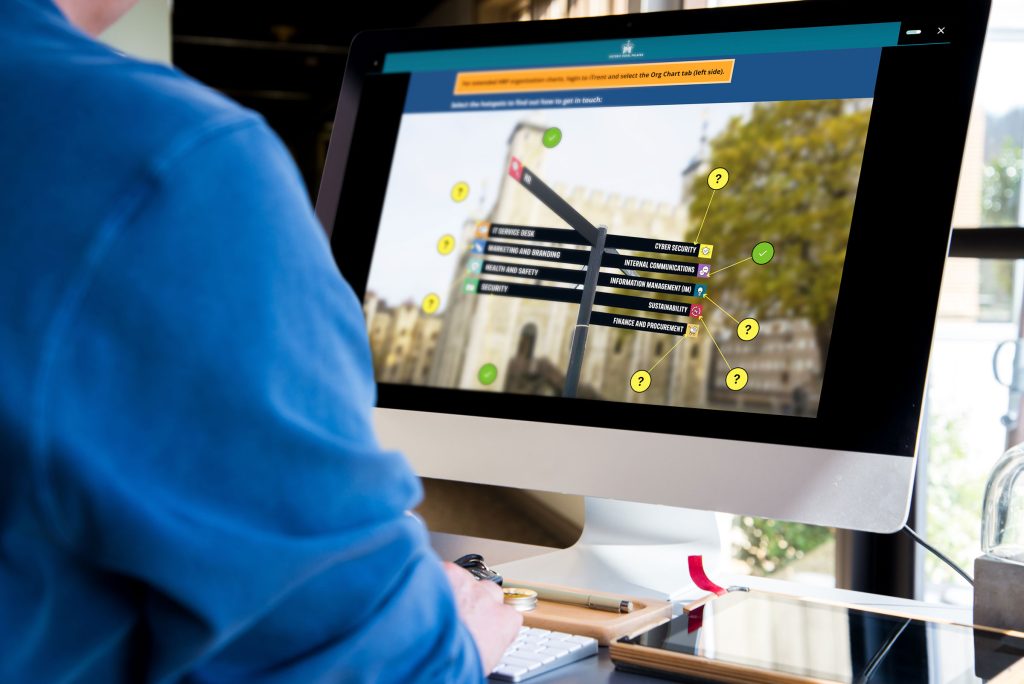
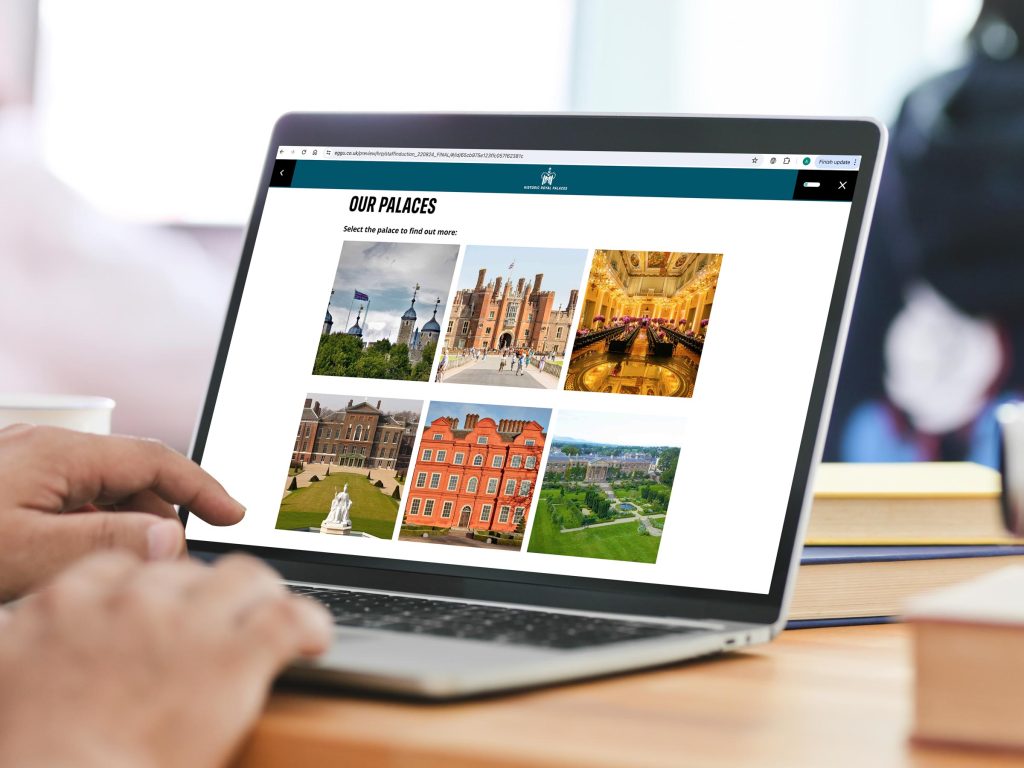
Digital induction for Historic Royal Palaces

Are you exploring digital learning for your staff induction?

Why not speak to Eggu for help in creating a bespoke package that really works and invigorates your growing workforce?

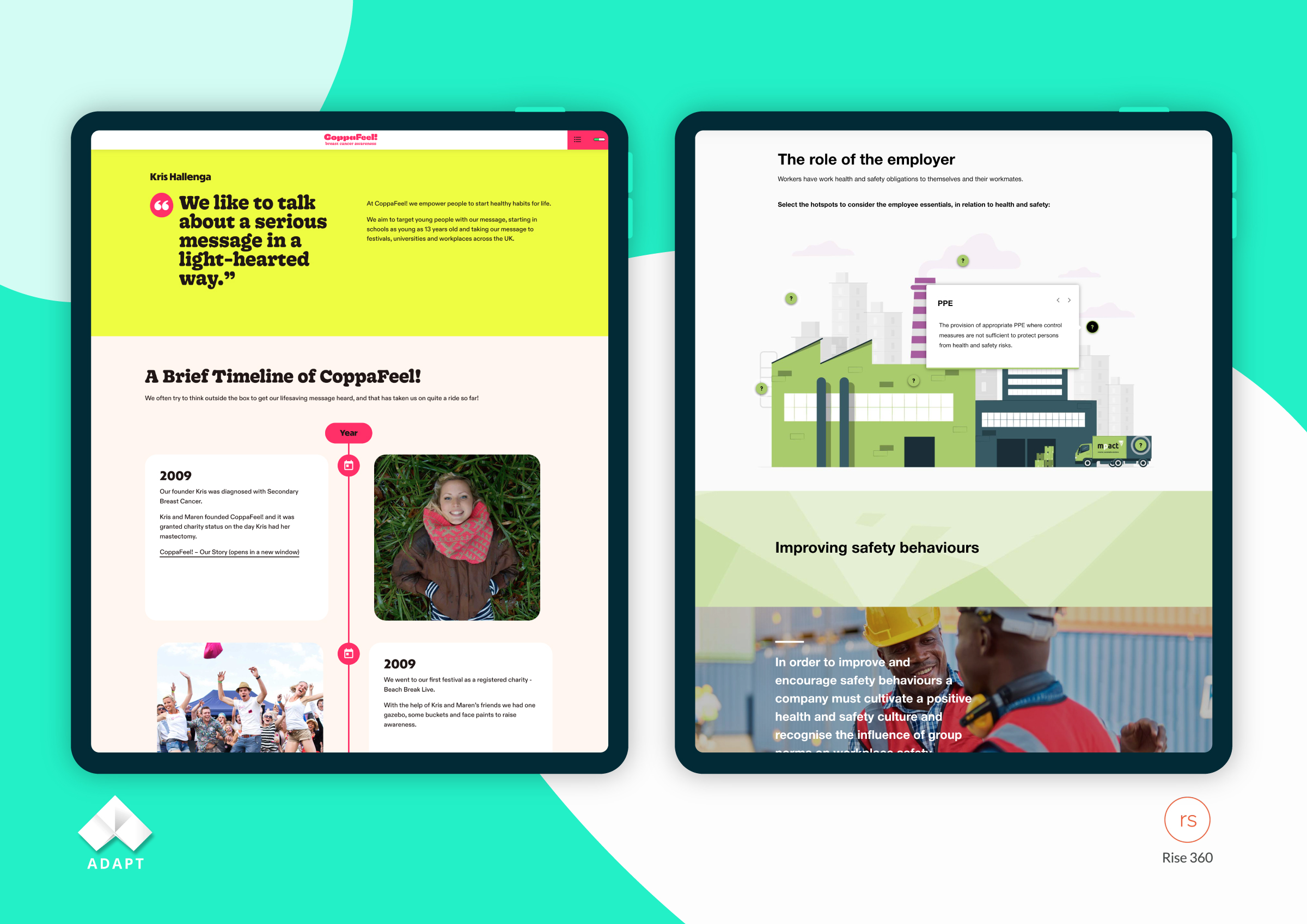
Articulate Rise vs Adapt Learning

Here at Eggu, we know every project we work on is unique, and sometimes we need to take a different approach in reaching deliverables. That’s why we like to use a range of authoring tools and software solutions to assist us in building our bespoke elearning courses.

Now with mobile responsive delivery and accessibility standards high on the agenda with any elearning project, at Eggu, we prioritise development using products such as Adapt Learning and Articulate Rise.

Both create courses that automatically adjust to different screen sizes, depending on the device the course is viewed on. This approach ensures a consistent and engaging learning experience wherever you are, and across a variety of devices and screen orientations. This eliminates the need for separate design and build for desktops, tablets, and smartphones; something that more traditional tools, such as Adobe Captivate or Articulate Storyline, do not offer.

With a wealth of expertise in both Adapt and Rise, we thought we’d take the opportunity to breakdown their pros and cons around some key topics.

  1. Overview.
  2. Branding and themes.
  3. Ease of use.
  4. Interactive components.
  5. Accessibility.
  6. Review functionality.
  7. LMS Compatibility.
  8. Price.

We hope this proves a helpful resource to anyone currently examining the best digital learning rapid development tools on the market.

1. Overview

Adapt Learning

Adapt is an award-winning open source authoring tool, freely allowing anyone to download and install the software for their personal use. The access to the source code allows customisation to the tool according to your specific requirements.

The open source nature of Adapt brings benefits from a vibrant and active community of developers, instructional designers, and elearning professionals. This provides valuable support through forums, documentation, and shared resources, fostering collaboration and knowledge-sharing.

Learning Pool offers a version of Adapt with their Adapt Builder, with some great additional interactions, however it is somewhat restricted in the CSS editing. This is why we would often opt for our own hosted version where we have complete control of the back end and ongoing software updates, which can have an impact on past styling.

Articulate Rise

Rise is rapid authoring development tool that’s part of the Articulate 360 suite. There’s no software to download, with all development occurring online. It’s fairly basic in its usability, with a super soft developer learning curve required.

Unlike Articulate Storyline, as a web-based resource, it can be used on Mac OS and Windows.


2. Branding and themes

Adapt Learning

Using CSS in Adapt allows you to highly customise the look and feel of courses through theming and branding. This ensures that content aligns with client’s brand guidelines, creating an engaging, highly professional learning experience, that perfectly harmonises with other digital representations of the brand. It also boosts actioning design changes course-wide, rather than manually editing individual components.

The built-in Vanilla theme allows a decent level of colour customisation throughout the course build. But, for true customisation, a decent knowledge of CSS coding is required.

Articulate Rise

Until recently, theme customisation in Rise was pretty limited; only being able to update fonts, accent colour, navigation, and course labels.

Now, you can choose from three prebuilt themes:

  1. Rise.
  2. Apex.
  3. Horizon.

In addition to choosing from eight cover page layouts, you can also customise additional theme elements, such as navigation menu type, navigation button options, and lesson headers.

The major downside however, is that CSS customisation is still restricted to editing the final published output files. So, it can be achieved, but ultimately the tool is not designed for this level of customisation.


3. Ease of use

Adapt Learning

Adapt offers a super easy-to-use interface which follows a typical WordPress backend style builder, using components, blocks and articles to efficiently construct modules rapidly.

Articulate Rise

Articulate Rise is renowned for its user-friendly and intuitive interface. The drag-and-drop functionality, along with pre-designed templates, makes it easy for both novice and experienced users to create engaging elearning content, without a steep learning curve.

Whilst the pre-built, editable lessons and templates, might save time, you will perhaps feel that all courses you produce in Rise end up looking very similar in nature.


4. Interactive components

Adapt Learning

Adapt has more interactions than any other authoring tool on the market, with a wide range of superb components already inbuilt. The open source nature of this software means that developers are continually adding to the bank of components and extensions available.

You can download and use over 100 community plugins that enhance your courses in unimaginable ways.

Ignacio Cinalli is the perfect example of an external developer that supplies helpful add-ons via GitHub.

Articulate Rise

There are forums discussing ideal new features from developers, however any creation of new tools is down to Articulate building these into the software. External plugins are not an option here. You can however embed more visual interactions created within Storyline to diversify delivery.

The inbuilt transitions of interactions are just great. They load and move beautifully.

The real downside is the customisation capabilities of these interactive features. You are limited with image placement and layout, with a few editable options only. This can make it hard to really harmonise with a brand’s other web presence.


5. Accessibility

Accessibility is a major priority for us at Eggu, and both Adapt and Rise integrate features to ensure courses are accessible to all learners. This includes support for screen readers and adherence to web accessibility standards, promoting an inclusive learning experience.

Both are built to meet the minimum WCAG 2.1 AA standards, but it’s down to the developer to ensure any alternative text is manually configured.

Clear instructions are also key before any interaction in elearning; something that is consistently provided throughout Adapt, but not in Rise.

For some helpful guidance in accessibility for digital learning, why not check out our 4-part blog?

Part 1: Top tips for writing content

Part 2: Top tips for writing link text

Part 3: Top tips for design

Part 4: Top tips for writing alt text


6. Review functionality

Adapt Learning

Learning Pool’s version of Adapt Builder does offer review functionality, but this is sadly not currently available in standard Adapt package. According to discussions on forums however, this is something that is soon to come.

Articulate Rise

Without doubt the Review360 feature is one of its highlights; allowing simple team or client collaboration when finalising a build or reviewing ongoing updates.


7. LMS Compatibility

Adapt Learning

  • SCORM 1.2
  • SCORM 2004

Articulate Rise

  • SCORM 1.2
  • SCORM 2004 (2nd / 3rd / 4th editions)
  • AICC
  • xAPI
  • cmi5

8. Price

Adapt Learning

Adapt is free software to download and install onto your own server, however you do require the capabilities to do this.

Learning Pool’s Adapt Builder is linked to buying into their learning management system solution, which varies in costs depending on the end number of users.

Alternatively, there are great companies out there like Adapt Unlimited, who solely provide affordable Adapt hosting solutions delivered through the cloud.

This allows for course development to synch across computers and be shareable with your whole team, without the need for software keys or installation.

A standard team license (hosting only) starts at £880 + VAT per annum, with additional options to provide training and support.

Articulate Rise

A personal subscription to Articulate 360 starts at £960 + VAT, per subscription, per annum, with team subscriptions starting at £1295 + VAT, per subscription, per annum.

This can be secured via the official UK sales partner, Omniplex.


Summing up

Articulate Rise is great for cranking out clean, interactive learning content at a high pace. Where clients already comfortably use this in-house, it’s simple for external designers and developers to step in and support the development of ad-hoc projects.

But is it ultimately engaging enough for end users? Without the instructional or graphic design know-how, it does have the potential to create boring, one-dimensional, page-turners.

As a digital learning design agency, one of our priorities always comes back to visual impact and creating a bespoke product in line with a client’s brand.

Therefore, our personal preference often leans towards Adapt due to its customisation capabilities.

Selection of Adapt elearning mockups

Do you have a need for support in bespoke elearning development?

Speak to Eggu about our services in creative elearning, animation and video to bring your ideas to life.

Digital learning to educate customers

When we think about digital learning, often our instinct is to visualise internal staff training. But the reality is that so much of promotion, PR and social media these days centres around building customer skills and knowledge.

Customer education is all about supporting your clients to learn about and extract the most value from your product or service.

Whether we are instructing how to use a product, shifting ideas or simply showcasing brand expertise and building a community.

So, here are our three key drivers for the use of digital learning to educate your customers.

Eggu HEART UK mobile digital learning

1. Build brand

At Eggu, we see a fine line between the techniques used in learning and promotion. Demonstrating your expertise through tutorials is a truly effective way to build brand reputation and trust.

Equally, for organisations such as charities, where sales are not the focus; educating followers on your mission is a golden opportunity to spread key messaging, promote your brand and further expand your reach.

Eggu product demonstration

2. Improve satisfaction and loyalty

Digital learning content doesn’t need to centre wholly on your product or service. Instead, it can best a great means to demonstrate your overall values of an organisation, connect with customers and welcome them into a wider community culture.

Perhaps you’re looking to introduce customers to your ethical activities and sustainability efforts?

Maybe you’re hoping to educate followers around body inclusivity and celebrate diversity?

Or perhaps you’d like to champion improving your audience’s fitness and nutrition, with healthy step-by-step recipe guides or exercise plans, all whilst showcasing your product?

Educating your customers is always a valuable investment. It can foster true loyalty, ensuring longer engagement and retention. Trust us – by sharing such content, customers will feel validated in choosing you.

3. Streamline support

It may seem obvious, but digital learning is an effective and cost effective solution for software or technical product instruction. For customers, the provision of interactive online training can itself be a huge selling point.

Evidence shows us that tutorial videos are significantly more useful to customers than providing a lengthy readable manual. By filtering users to the exact FAQ or challenge, you can resolve their queries in an instant. The result? Happy customers all round!

You will find that without sufficient customer training, some products or services will just fall flat and potentially gain you negative reviews. Supporting your clients post purchase can be just as important to retain their custom as that initial sale.

And an added bonus – it’s an ideal solution to reduce enquiries and requests for support, ultimately saving you both time and money too.

EDITED tutorial video

Do you have a product of service you would like to educate your customers on?

Speak to Eggu about our services in creative elearning, animation and video to bring your ideas to life

Things you might not know about Moodle

With every new release, the open-source learning management system, Moodle, continues to enhance and grow.

The days of clunky, uninspiring platforms are history, with improved visual styling and an immensely friendlier user interface, now fully responsive and consistent between devices.

Plus, you’ll now see heightened security settings and a range of gradebook enhancements too. 

There’s a reason why Moodle can vouch for 300 million users worldwide, with a thriving online community of collaborative developers, freely sharing their technical knowledge.

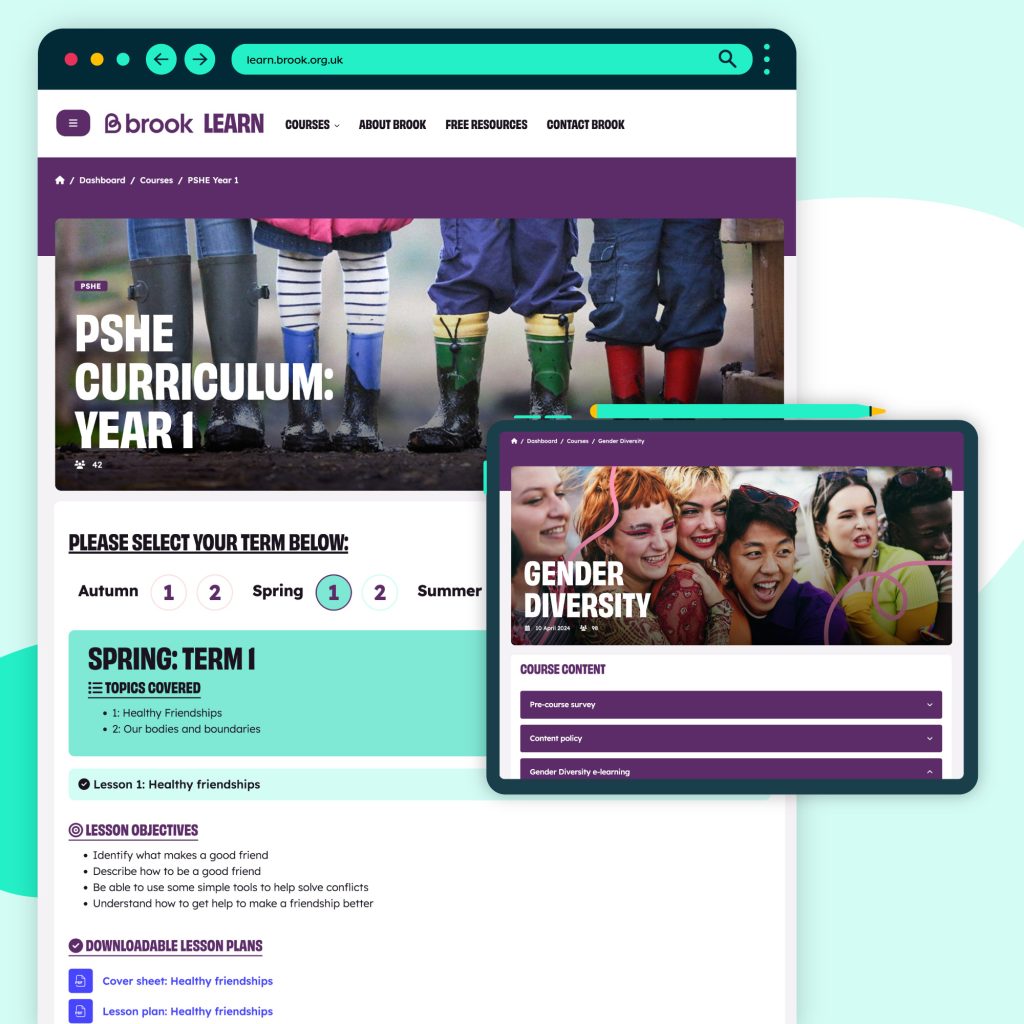
At Eggu, we use Moodle as an effective LMS solution for those clients brand new to digital learning, looking for that complete online package. It provides a great container to securely host and manage all your online training and track user activity; all without breaking the bank. 

We’ll custom design it to your brand and needs, host it, manage it, provide administrative support and even run a technical helpdesk for the end users. Phew – Just another weight off your shoulders.

And the fact that you can use Eggu to create all your bespoke digital learning resources too, you’re guaranteed a high quality, professional and consistent delivery throughout the user experience.

So, with a stack of LMS software to choose from on the market, why can Moodle sometimes be overlooked as a great, affordable solution? We thought we’d fill you in and highlight some of the latest developments and favourite new features we love about working with Moodle.

Themes

Although Moodle have streamlined the course page design to better conserve screen space and improve user navigation, there is always room for improvement when it comes to customising the design to reflect your brand. 

By using pre-built Moodle themes and templates, you can create the right look and feel to seamlessly harmonise with your core website. Users won’t even realise they have ventured to a different site. 

ThemeForest offers a host of affordable themes and templates to help create a modern and eye-catching website for your learning environment.

All are fully customisable, allowing you to change fonts, colours and layouts. They’re super-intuitive too, built with modular blocks to mix and match in the best way that works for you.

Plus, you’ll find them packed with lots of additional features and plugins, all of which are regularly updated with new options. 

Are faves right now are Lambda, Purity and Moove.

Course layouts

One of the key improvements in Moodle 4.0 was the addition of a new collapsible and expandable Course Index on the course page.

This revised presentation of materials offers an easier and quicker solution for students to locate activities or resources and educators to track activity completion.

But never just be restricted to the formats offered within the standard Moodle. There are plenty of plugins on the market too, which provide alternate course layouts to play around with.

The Buttons course format plugin for example, is a great, simple plugin to cleverly group activities, allowing the user to navigate sections one-by-one, without being overwhelmed with a wealth of learning content in one go. The buttons are fully customisable in terms of shape, colour and listing and allow for an alternate course layout for a touch of variety. 

Bootstrap

Bootstrap is the most popular HTML, CSS, and JS framework for building responsive, mobile-first front-end web development. And great news – it’s fully compatible with Moodle.

When styling pages and components in Moodle, rather than inventing things from scratch that need custom styling, it’s always helpful to re-use pre-built snippets from Bootstrap.

This gives you a great start in pulling together new layouts and components, by integrating simple code to further customise your Moodle site. 

The great news is that development has already begun on upgrading Moodle from Bootstrap 4 to Bootstrap 5, with Moodle 4.6 now planned for the full launch of the latest software.

Completion progress block

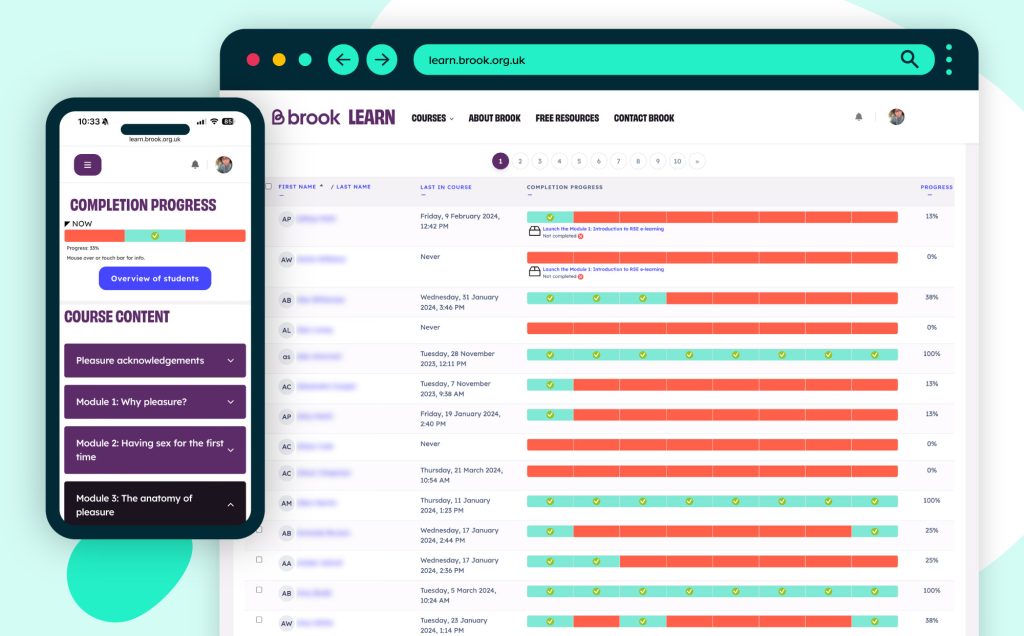
The completion progress block is a great time-management tool for students, visually representing anything the user needs to complete on the course, with colour coding for quick reference. This will collate a ‘to do’ list of anything on the course with activity completion settings. 

But for teachers, managers or site admins, you can also get a helpful overview of students’ progress so far, allowing identification of those needing further support. 

Report builder

Not well versed in SQL? Creating database reports has historically required in-depth technical knowledge and hard coding. 

But the Report Builder, originally a feature of Moodle Workplace, has now been incorporated into Moodle 4.0, allowing you to easily create custom, dynamic reports, specific to your data needs. 

Access to such data is key to measure student progress, analyse the learning impact and improve course delivery.

Need your own dedicated LMS?

At Eggu, our dedicated Moodle learning management system subscription packages are based on the estimated number of users and start from as little as £2,000 + VAT per year. Even better, the more courses and resources you add to your platform, the more cost-effective it becomes. 

Why not speak to Eggu about your own dedicated Moodle platform to host and manage your bespoke digital learning?